YDYの博客

一只有理想的菜鸟

图像和视频的加载与展示

  • “车辆检测”贯穿项目

  • 加载音视频文件

  • OpenCV控制鼠标,TrackBar控件的使用

图像加载和展示

1
2
3
4
5
6
7
8
9
10
11
12
13
14
15
16
17
18
import cv2

cv2.namedWindow('mywin', cv2.WINDOW_NORMAL)
cv2.resizeWindow('mywin', 600, 600)
img=cv2.imread('./test.jpg')

while True:
cv2.imshow('mywin',img)
key = cv2.waitKey(0) # 1000ms=1s
if (key == ord('q')): # 退出
print('exit')
break
if(key == ord('s')): # 保存
cv2.imwrite('test.png',img)
print('save')
break

cv2.destroyWindow('mywin')

image-20240307111715369.png

视频加载和展示

1
2
3
4
5
6
7
8
9
10
11
12
13
14
15
import cv2

cv2.namedWindow('mywin',cv2.WINDOW_NORMAL)
cv2.resizeWindow('mywin',640,480)
#capture video
cap = cv2.VideoCapture(0)
while True:
ret,frame = cap.read()
cv2.imshow('mywin',frame)
key = cv2.waitKey(10)
if(key == ord('q')):
print('exit')
break
cap.realase()
cv2.destroyAllWindows()

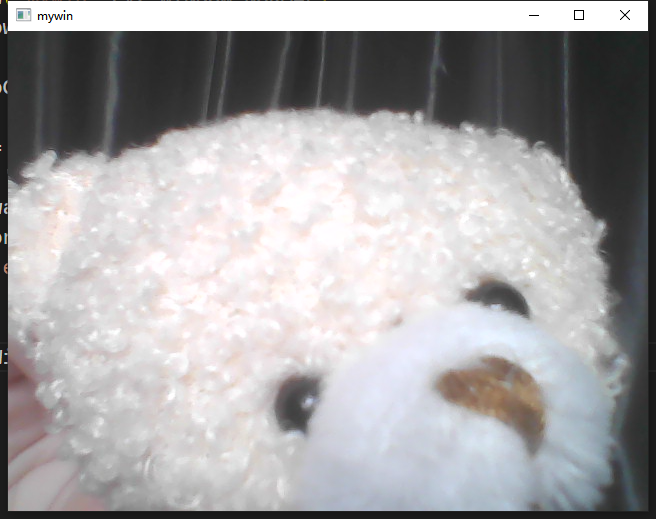
image-20240309232056677.png

视频录制成文件

1
2
3
4
5
6
7
8
9
10
11
12
13
14
15
16
17
18
19
20
21
22
23
24
25
26
import cv2

cv2.namedWindow('mywin',cv2.WINDOW_NORMAL)
cv2.resizeWindow('mywin',640,480)
#capture video
cap = cv2.VideoCapture(0)

fourcc = cv2.VideoWriter_fourcc('m','p','4','v')
vw= cv2.VideoWriter('./out.mp4',fourcc,25,(640,480))

while cap.isOpened():
ret,frame = cap.read()

if ret == True:
cv2.imshow('mywin',frame)
cv2.resizeWindow('mywin',640,480)
vw.write(frame)

key = cv2.waitKey(40)
if(key == ord('q')):
print('exit')
break

cap.realase()
vw.realase()
cv2.destroyAllWindows()